Doom Saver
mara.k•••
2,418 likes
mara.k the light this morning
Screen time app for Android
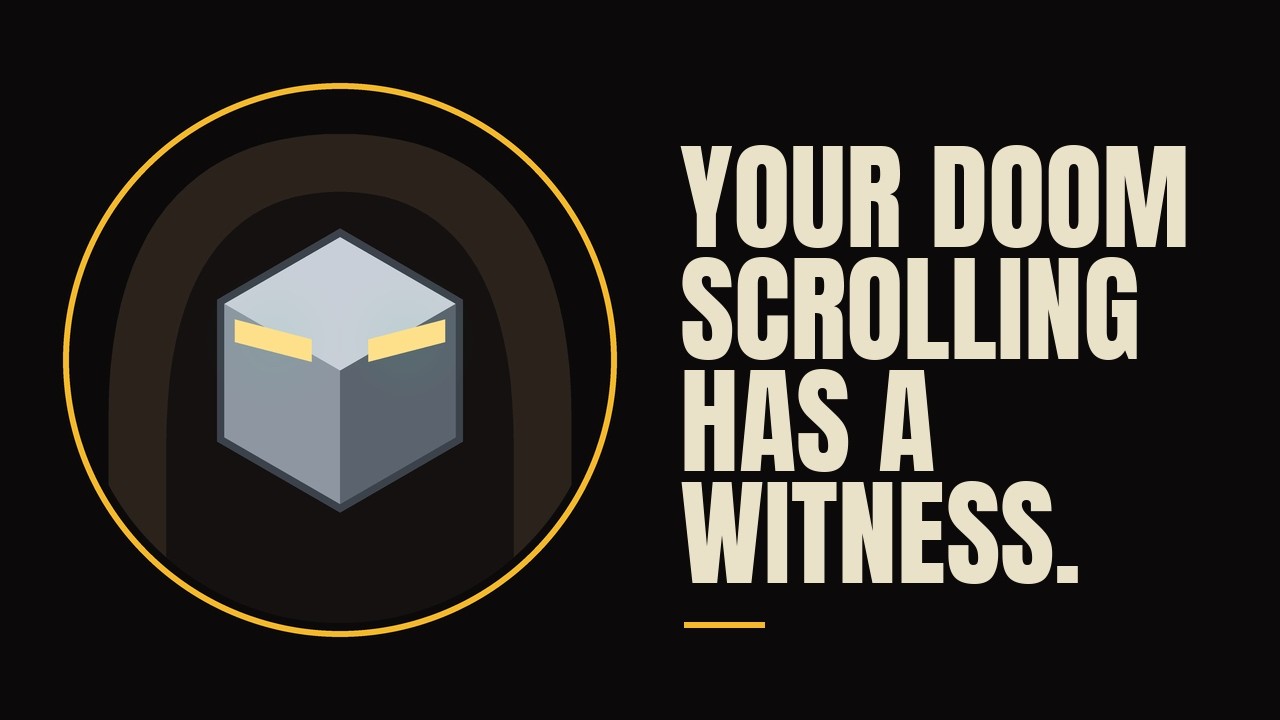
Open Instagram, TikTok, X, Reddit or any app you pick, and Grim appears: a small hooded knight with a running timer. He starts calm. He does not stay calm.

Free on Google Play. Android 8.0 and up. No feed, no streak, nothing to scroll.
There is a window in this room. Look out of it.
See it work42 seconds
Grim, the timer and the four stages, from calm to the reaper, in under a minute.
Plays from YouTube when you press play. Nothing loads from YouTube before that.
The whole ideaFour stages
One timer, per app, per day. It counts time actually spent in the app, and it resets at midnight whether you earned that or not.
0:00
Grim sits in the corner counting. Drag him anywhere you like. Tap him for the total.
30:00
The eyes go round and uncertain. He has grown since you started, and his ring pulses as he crosses the line.
1:00:00
An hour. His eyes go dead and stay dead. There is nothing you can say to him about it.
1:30:00
The mask comes off, the skull comes out, and the crows arrive. He stays this way until tomorrow.
Tick the ones you actually have a problem with. He ignores everything else, including your camera, your maps and your bank.
Twelve supported apps. Turn each one on or off in the app, any time.
Grim shows how long you have been in social apps today.
Doom Saver ProFour extras
Everything above costs nothing, and always will. Pro adds the parts that are yours to make: your own tasks, your own lines, your own face, and your say over how often Grim speaks. None of it is ever sent to us.
Things you keep putting off. Grim brings them up while you scroll.
Pro
Two tasks at a time are free. Pro lets Grim carry as many as you like. He reads them back while you scroll; tap the reminder and he takes you to the list, tick one off and he stops.
What Grim says while you scroll. Fifty come built in.
Pro
Write your own, mixed in with his fifty. Remove any of the built in ones you are tired of.
Sits over your apps while you scroll.
State Calm
Pro
Choose a photo, frame it, and Grim wears it all the way to the reaper. It is never sent to us and there is no way to share it from the app.
Measured in time actually spent in a tracked app, not wall clock.
A message every
Stays on screen for
Pro
Choose how often Grim speaks, from every five minutes to every thirty, and how long each message stays, from five seconds to thirty. Counted in time actually spent in a tracked app, not on the clock.
Your day, week or month by day, by hour and by app: how often you open each app, how long a visit lasts, and the stretch you scroll most. Worked out on your phone from the sessions it has recorded, and never sent to us.
The free app is not a trial. Everything on this list is free forever. Pro is optional: a one off purchase or a monthly subscription, bought inside the app through Google Play.
5h 44m
You opened Instagram most, 74 times.
Messages you did not ask forFifty built in
Fifty of them, dealt like a deck. Every one comes up before any of them comes up twice, and the order changes each time round. Out of the box he speaks every fifteen minutes of scrolling, for ten seconds. Pro lets you choose how often, and for how long.
There is a window in this room. Look out of it.
Private by design
Android tells Doom Saver which app is in front and nothing else. That is the whole input. Your daily totals are worked out on your phone and never sent to us.
It does not see, read, record or transmit what is on your screen.
It does not collect what you type, view, post or search for.
It does not touch your contacts, photos, location or files.
Your per app totals are never sent to us. Analytics never records which app you were in.
Nothing about you is sold to anyone. There is no one to sell it to.
Why a witness, not a wallThree studies
Doom Saver never blocks an app. It makes the time visible, inside the app where you are spending it. Three findings point the same way.
A meta-analysis of 138 randomised studies covering nearly 20,000 people found that monitoring progress helps people reach their goals, and that the effect is larger when progress is physically recorded or made visible to others. Grim is that record, on screen, in the app.
In a six week field experiment with 280 people, an app that interrupted them before opening social media cut actual app openings by 57%. In a follow up test, the part that mattered most was the option to back out, not the waiting time.
When 143 students cut Facebook, Instagram and Snapchat to 10 minutes each a day, 30 minutes in total, for three weeks, their loneliness and depression fell significantly compared with a control group. Grim starts to worry at 30 minutes.
Hunt et al., Journal of Social and Clinical Psychology, 2018
What this does not show: none of these studies tested Doom Saver itself. They are why we think a visible witness works better than a blocker, not proof that it will work for you.
From the blogEight to start with
What Android already knows about your day, why the scroll wins, and how to get an hour back without a lecture.
The meaning of the word, where it came from, and what the research says it does to your mood.
Ten ways to reduce it, each backed by a study, and why cutting down works as well as quitting.
Thirty ideas, sorted by how much time you have and what the scroll was really for.
Eight Android apps compared honestly: how each one stops you, the permission it needs, and who it suits.
Four answers to the same problem: blocking, gamifying, scheduling or making the time visible. Which one fits which person.
You are up against an interface with no stopping cues. Willpower is the wrong tool for that problem.
It sounds alarming and is narrower than it sounds. Exactly what an app gets, what it cannot see, and how it differs from Accessibility.
One of the safer Android permissions, but your usage history is still personal. Which apps need it, how to check the list on any phone, and the warning signs.
Doom Saver is free on Google Play. Setup takes three permissions and about a minute, and Grim is watching by the time you open your first feed.
Get it on Google PlayQuestions first? Read the support page.